
WhatsApp Automation for Small Business: A Practical Guide to Leads and Follow-Up
September 13, 2026 · Shubo Chandra Sarker
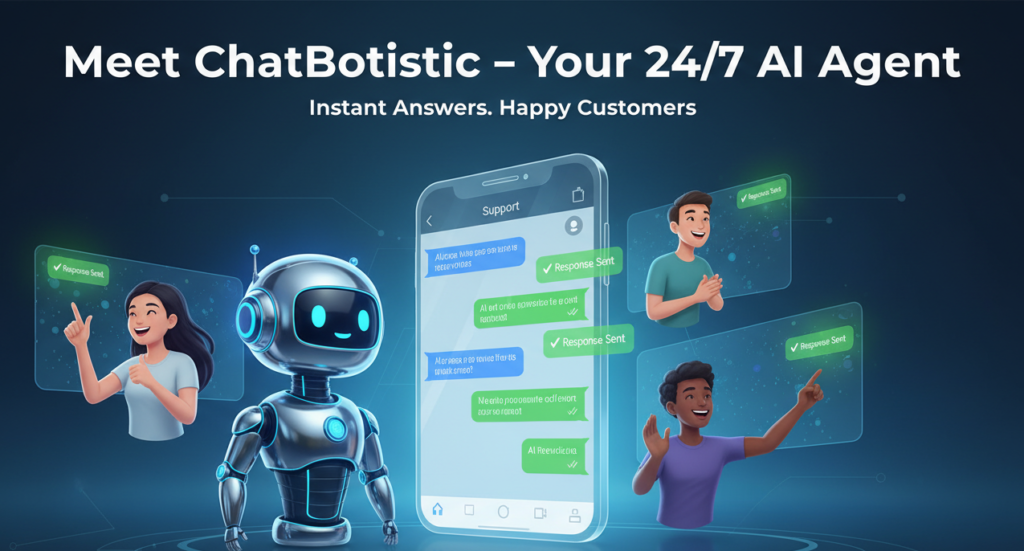
Quick answer: WhatsApp automation helps a small business respond to common questions, qualify new enquiries, route conversations, and follow up consistently without asking a team member to repeat the same manual steps all day. The best setup is not a robot that sends messages to everyone. It is a carefully designed conversation system that gives people a fast first response, captures useful context, and hands the right conversations to a person.
For a WordPress business, that system can start on the website. A visitor reads a service page, opens a WhatsApp widget, answers a few short questions, and becomes a contact your team can actually follow up with. Chatbotistic is designed around that path: create a widget in the branded portal, connect a licensed WordPress addon, route the visitor into WhatsApp, and manage the resulting lead from one workspace. This guide explains the practical workflow, the limits to respect, and how to measure whether automation is producing better conversations rather than simply more messages.
What is WhatsApp automation?
WhatsApp automation is the use of rules, forms, approved message templates, and software integrations to manage parts of a customer conversation. It can begin with a click-to-chat button or a website widget. It can continue with an automated greeting, a question about the visitor’s goal, a service selection, a booking request, or a notification for the team. A human can take over whenever the question is sensitive, unusual, high-value, or outside the business’s documented answers.
That definition matters because “automation” is often used to describe several different things. A simple WhatsApp link only opens a chat. A rule-based flow asks fixed questions and sends fixed replies. An AI assistant interprets natural language and retrieves answers from approved information. A CRM workflow stores the contact, adds a stage, assigns an owner, and starts follow-up tasks. A useful small-business system may use all four, but each part should have one clear job.
Why small businesses use WhatsApp automation
Small teams usually do not have a dedicated support desk. The same person may answer the phone, deliver the service, check an order, and respond to a new enquiry. A website can attract traffic while the response process remains informal. Visitors leave because nobody replies quickly, staff cannot see the context of an enquiry, or a promising conversation is lost in a personal inbox.
Automation helps by making the first step predictable. A visitor can ask about availability, pricing, location, delivery, or the next step at any hour. The business can collect the minimum information needed for a useful reply instead of sending a generic “How can we help?” message. The team can see which conversations are new, which need a reply, and which are ready for a booking or sales follow-up.
- Faster first response: an instant welcome message acknowledges the enquiry while the team is busy.
- Better qualification: short questions can capture service type, timing, budget range, location, or order context.
- Consistent answers: approved FAQs reduce avoidable variation between staff members.
- Cleaner handoff: the conversation can be routed to a person when automation reaches its boundary.
- More measurable marketing: the business can compare widget views, conversations, leads, and bookings instead of guessing.
Five practical WhatsApp automation workflows
1. Website visitor to qualified lead
Place a clear WhatsApp widget on high-intent pages such as services, pricing, product details, and contact pages. The opening message should explain the next action. For example: “Tell us what you need and we will point you to the right option.” Ask one question at a time. A local service business might ask for the service, preferred date, and ZIP code. An agency might ask about the website, project type, and desired launch window. The result is a conversation with useful context rather than an empty chat.
2. FAQ and support triage
Start with the questions that consume the most team time: opening hours, service area, preparation instructions, delivery status, refund process, or how to book. Keep answers short and link to the detailed page when the visitor needs more context. A good flow offers an “I still need help” route. That route should create or update a lead and alert the team instead of trapping the person inside an endless menu.
3. Booking and appointment requests
A WhatsApp flow can collect the service, preferred day, contact details, and a consent-friendly reminder preference before sending the request to a booking process. Do not present a time as confirmed until your calendar or staff has actually confirmed it. Chatbotistic’s booking form workflow is the right place to connect booking intent to a structured form and follow-up path.
4. Lead routing for teams
When a company has more than one person answering messages, automation should help with ownership. Route a clinic question to the service team, a sales request to the sales queue, and a technical issue to support. Set a visible status such as new, contacted, qualified, booked, or closed. The point is not to create bureaucracy; it is to prevent two people from replying to the same person or nobody replying at all.
5. Post-conversation follow-up
A follow-up can remind a lead about a requested quote, send preparation information after a booking, or ask whether a support answer solved the problem. The content and timing must match the user’s expectation and WhatsApp’s current business messaging rules. Store the source of the lead so the team can tell whether the conversation began from a service page, a campaign, or a referral.
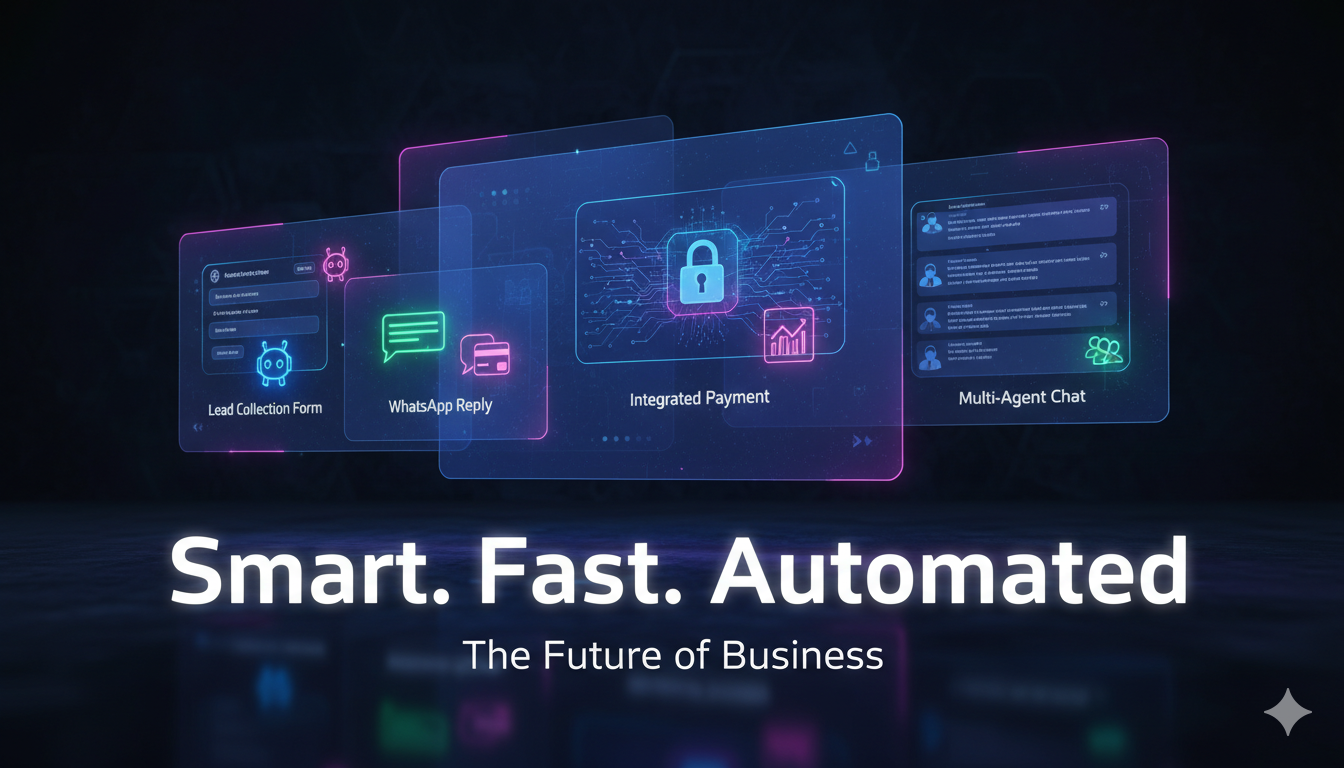
How to set up WhatsApp automation on a WordPress site
- Choose one business outcome. Begin with lead capture, support triage, or booking. A narrow first workflow is easier to test than a giant menu.
- Write the approved answers. Gather current service information, business hours, policies, contact routes, and escalation rules. Remove old or contradictory copy.
- Design the visitor questions. Ask only for information that changes the next step. Avoid long forms before the visitor understands the value of replying.
- Create the widget in Chatbotistic. Configure the header, call to action, routing, FAQs, and lead fields in the branded dashboard.
- Connect the WordPress site. Install the lightweight Chatbotistic WordPress addon, activate the correct license, and use the approved widget key. The addon should be scoped to the domains authorized for that license.
- Test every branch. Test desktop and mobile, a new visitor, an existing customer, an unanswered question, a booking request, and human handoff.
- Measure the first two weeks. Check conversations, qualified leads, response time, handoff rate, bookings, and unanswered questions. Improve the flow from real transcripts.
The Chatbotistic documentation provides the product-level setup path, while the WordPress plugin page explains the site connection. Keep the portal, addon, license, and widget responsibilities separate. That makes troubleshooting and access control much easier.
AI chatbot versus rule-based automation
Rule-based automation is reliable when the possible answers are known. It works well for a menu, an intake form, or a fixed status request. An AI chatbot is useful when visitors ask the same question in many different ways or when the business has a large knowledge base. AI should answer from approved information, explain uncertainty, and offer a human route. It should not invent a price, promise a delivery date, diagnose a medical issue, or claim that a booking is confirmed.
A practical design is hybrid: use fixed controls for important actions and AI for natural-language questions. For example, “Book an appointment” can open a structured booking flow, while “What should I bring?” can be answered from the approved FAQ. This is easier for the customer to understand and safer for the business to operate.
WhatsApp policy and customer trust
Automation does not remove the need for permission, transparency, or restraint. Tell people what will happen after they submit a form. Collect only the details needed for the stated purpose. Provide a way to reach a human. Keep opt-out and support routes visible. Before sending proactive business messages, check the current WhatsApp Business Platform rules for consent, message categories, templates, quality, and pricing. Meta describes the platform as supporting two-way conversations, interactive calls to action, rich media, commerce, and automated support flows, but businesses still need to follow its policies.
For WordPress, protect the connection as carefully as the conversation. Use HTTPS, keep the addon and WordPress core updated, scope licenses to approved domains, never place provider credentials in front-end JavaScript, and limit admin access by role. The WordPress Plugin Security Handbook is a useful reference for validation, capability checks, nonces, and escaping.
What should you measure?
Do not judge automation by message count alone. A busy bot may be creating friction. Track the complete path: widget views, starts, completed questions, qualified leads, human handoffs, booked appointments, and revenue-attributed outcomes. Also watch the negative signals: repeated questions, immediate exits, opt-outs, wrong routing, and conversations that wait too long for a human.
Use a small review routine. Each week, read a sample of successful and unsuccessful conversations. Add missing FAQs, shorten confusing prompts, fix outdated links, and remove branches nobody uses. That continuous improvement is where the commercial value appears.
Frequently asked questions
Can a small business start WhatsApp automation for free?
Many platforms offer a free entry path, but the included widgets, messages, users, integrations, and provider fees vary. Chatbotistic has a free starting option; check the current pricing page for limits and upgrade rules before promising a specific volume.
Does WhatsApp automation replace a human?
No. It handles predictable questions and organizes the first response. A well-designed system makes human support more focused by sending the right context to the right person.
Can I add a WhatsApp chatbot to WordPress without coding?
Yes. A managed widget and lightweight WordPress addon can avoid custom development for the standard connection. You still need to configure the conversation, confirm the license and domain, and test the experience before launch.
Conclusion
The strongest WhatsApp automation strategy for a small business is simple, measurable, and respectful: start with one high-value workflow, answer real questions, capture only useful context, hand off when needed, and improve from transcripts. Chatbotistic gives WordPress teams a path from website traffic to WhatsApp conversation, lead management, booking, and analytics. Explore WhatsApp Automation or start free and build the first workflow around one outcome.
Leave a Reply